

Phones
The Phones page lists every phone your organization has connected. For each phone it shows the status, the Mac it’s connected to, and whether it’s active. A phone’s status is Online when it’s connected and selected on its Mac, Available when it’s connected to a Mac but not selected, and Offline otherwise. Agents can only control active phones. Your plan sets how many phones can be active at once. Click Activate or Deactivate to choose which ones. To rename a phone, click the pencil next to its name. Agents see this name. To remove a phone you no longer use, click Edit.Live stream
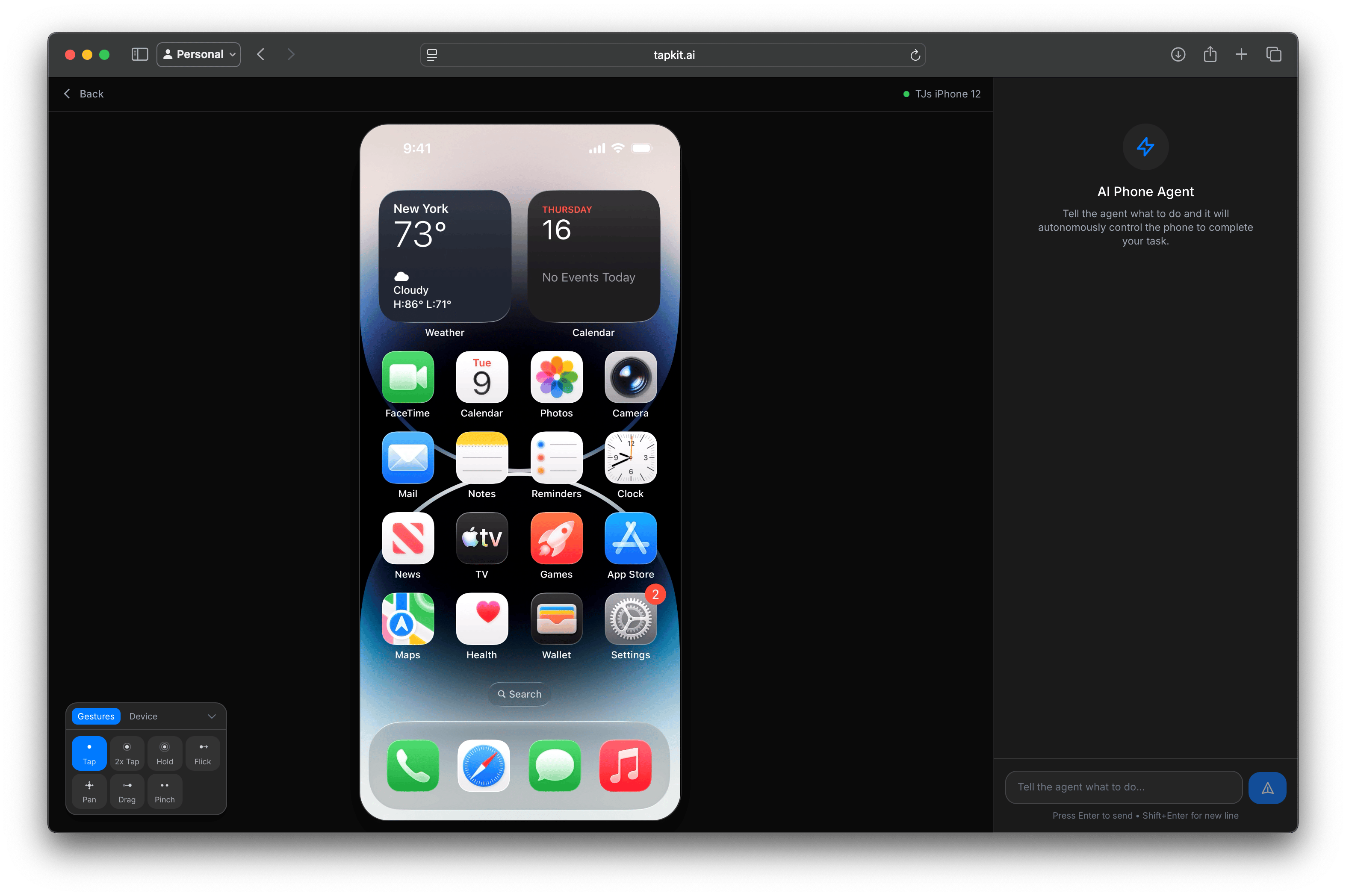
Click View Stream to watch a phone’s screen in real time and tap, flick, and drag on it from your browser. The phone’s Mac must be online, and each Mac can stream one phone at a time.API keys
API keys authenticate requests to the REST API. To create a key, click Create API Key and give it a name. Copy the key right away. It starts withtk_, and you can’t view it again after you close the dialog.
The list shows each key’s prefix, when it was created, and when it was last used. Click Revoke to disable a key immediately.