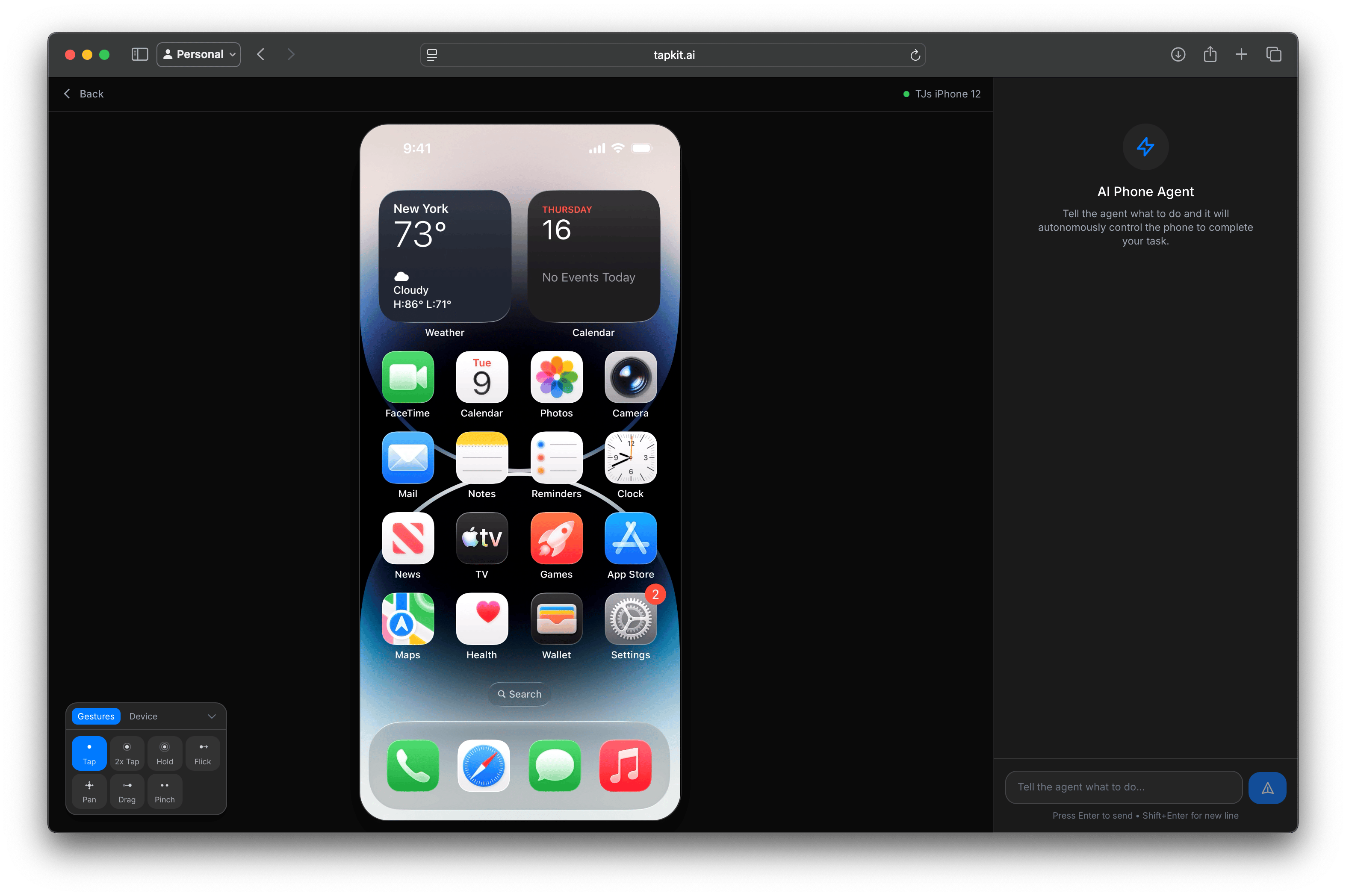
Manage connected phones across your organization. Every account gets a certain number of active phones per billing period. You can see which phones are active or inactive, activate or deactivate them, and view their connection status.Any phone that’s currently online will have an option to view its live stream, which takes you to the phone stream page.
Use these controls to interact with the phone directly from the web app. See Mac App > Gestures & Device Controls for how the same controls fit into the Mac app.
Create, view, and revoke API keys across your organization. You can see when each key was created and revoke any that are no longer needed. See Security & Privacy for best practices.
View your session history — when sessions ran, how long they lasted, and which phone was used. Each account gets a set amount of viewing and streaming time per month. Multiple people can be viewing a stream at the same time, and all watch time counts toward your usage.
View your subscription status and manage your plan. You can add phones directly from here — they’ll be available immediately and billed at a prorated amount. You can also go to the Stripe subscription management page to update or cancel your subscription.