Adding the marketplace uses the Codex CLI, so install it first.
1. Add the TapKit marketplace
Run this command in your terminal:2. Open Plugins
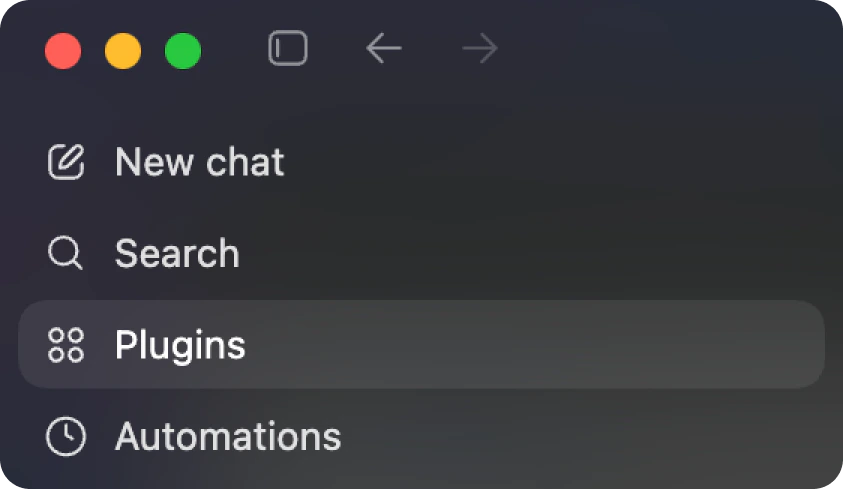
In the Codex app, click Plugins in the left sidebar.See screenshot
See screenshot
3. Select the TapKit marketplace
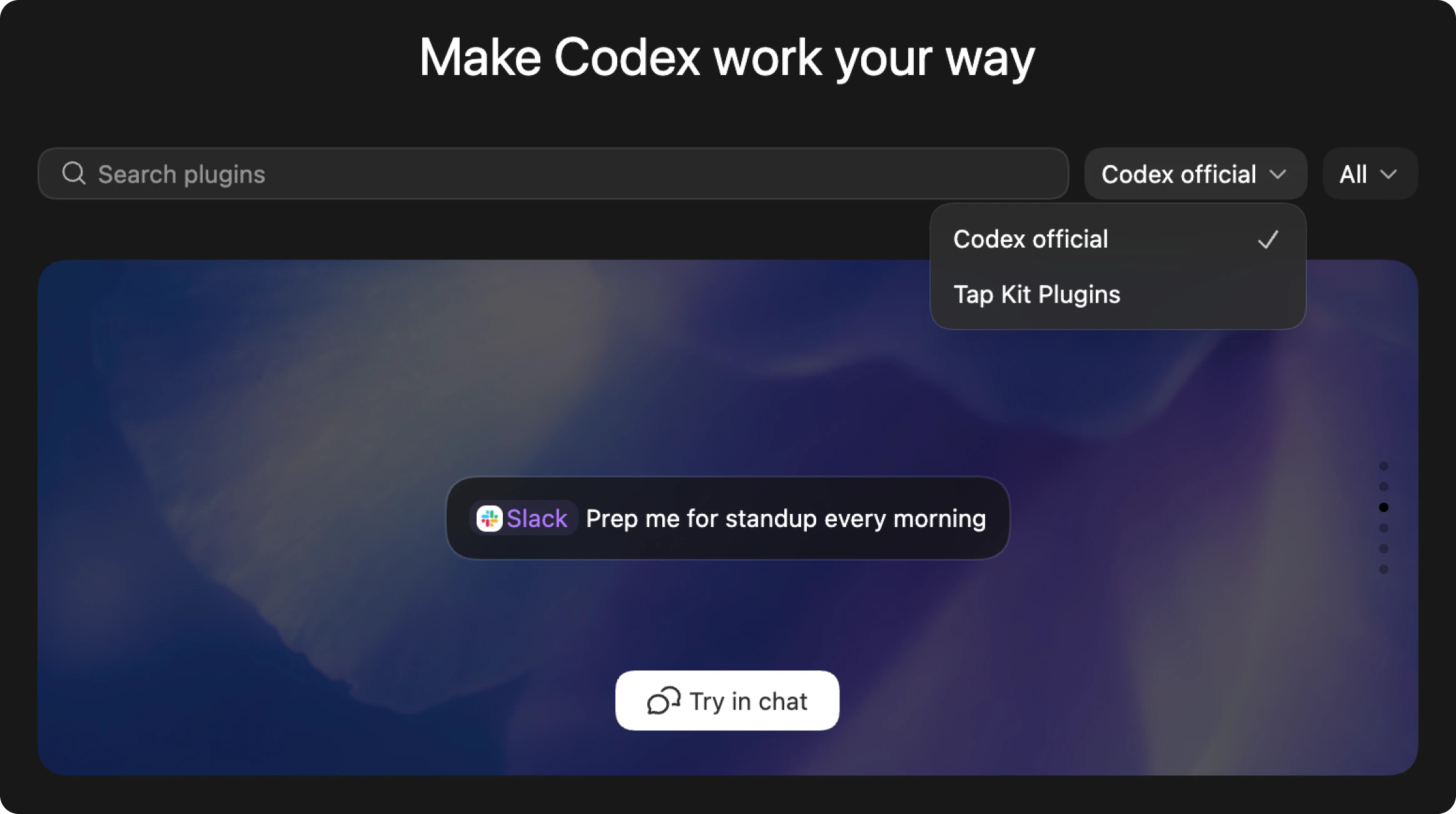
On the Plugins page, open the marketplace dropdown and select Tap Kit Plugins.See screenshot
See screenshot
4. Install the plugin
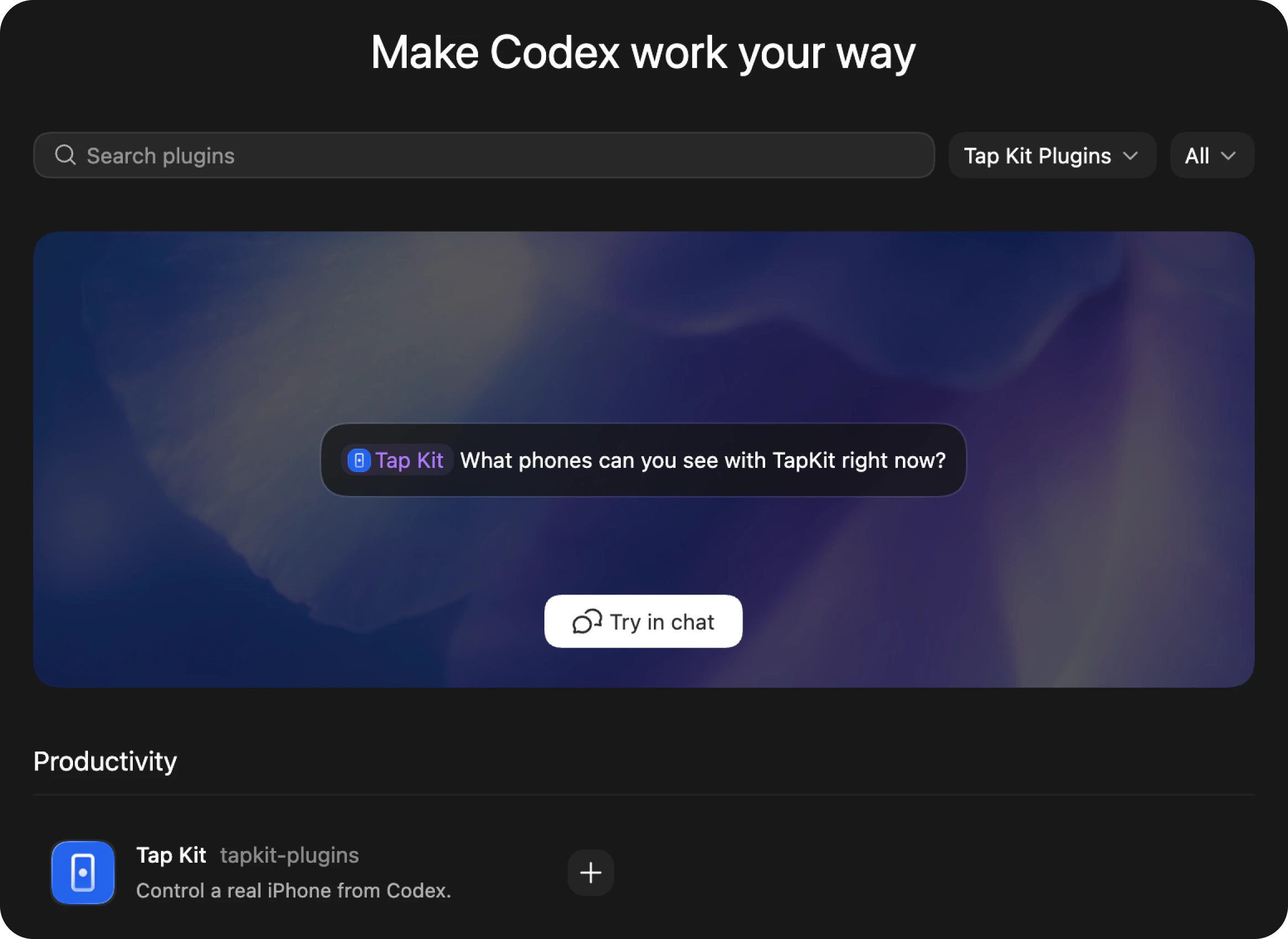
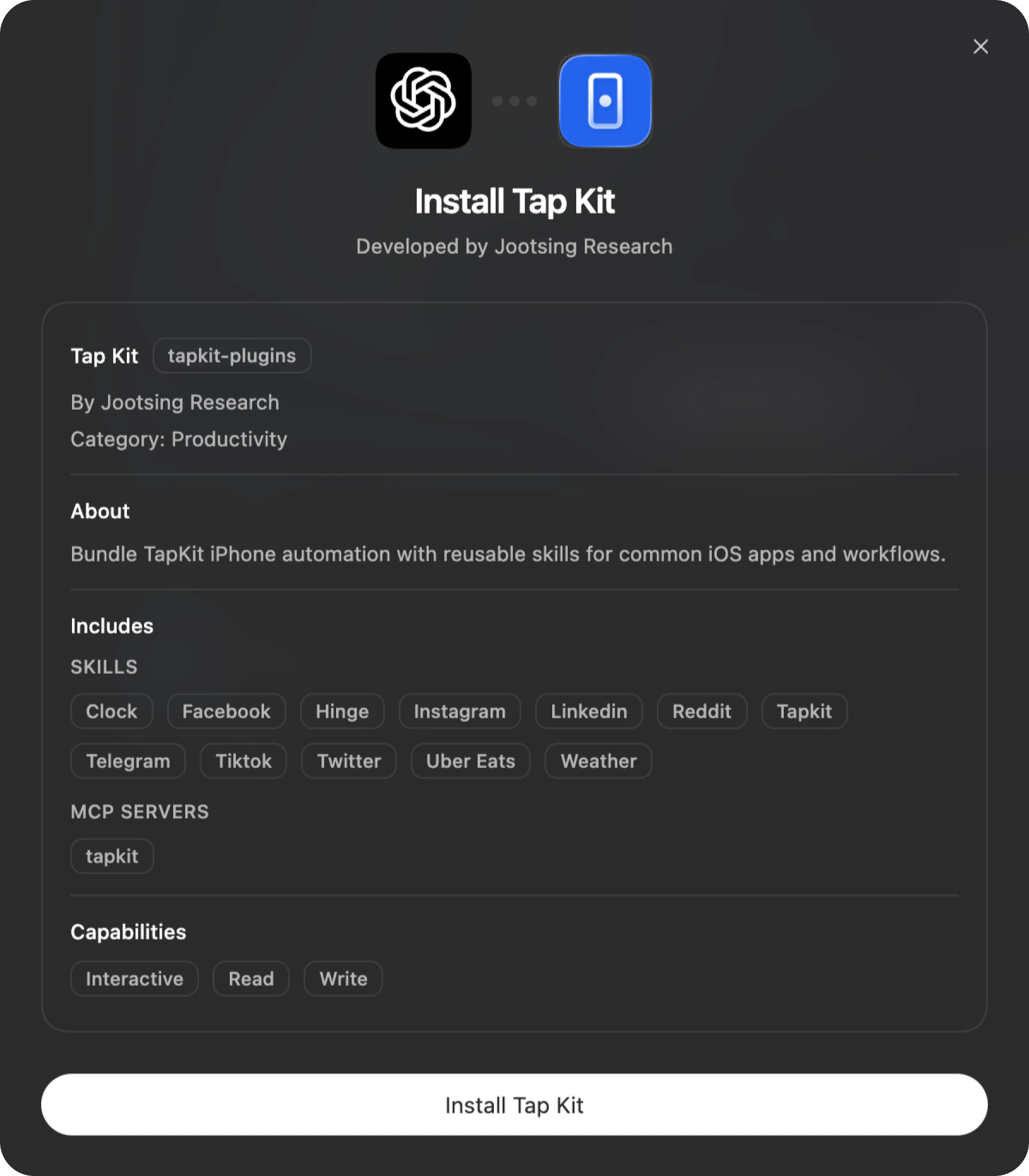
Find Tap Kit under Productivity, click the + button, then click Install Tap Kit in the popup. Tap Kit gets a checkmark in the plugin list when it’s installed.See screenshots
See screenshots